
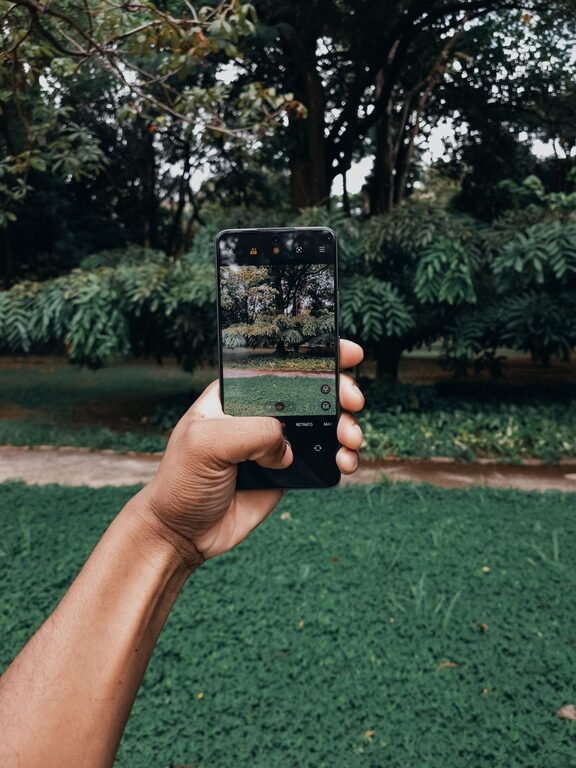
Taking great photos with your phone is easier than you might think. With the right techniques and a bit of practice, you can capture beautiful, clear, and eye-catching images without a fancy camera. This guide covers beginner-friendly tips to help you take better phone photos, whether you use an iPhone, Android, or any other smartphone.
Understand Your Phone’s Camera Features
Before you start snapping pictures, take some time to explore your phone’s camera settings. Modern smartphones come with many features that can enhance your photos:
– Resolution and Aspect Ratio: Make sure your camera is set to the highest resolution for the best quality. You can also experiment with different aspect ratios like 4:3 or 16:9 depending on your preference.
– Grid Lines: Turn on the grid lines in your camera settings. This helps you compose images using the “Rule of Thirds” (more on that later).
– HDR Mode: High Dynamic Range (HDR) helps balance light and dark areas in your photo, especially in scenes with strong contrasts.
– Flash: Use flash sparingly, as natural light usually produces better results.
Spend a few minutes experimenting with these features and note what each one does.
Keep Your Lens Clean
It sounds simple, but a dirty lens can seriously affect image quality. Phone lenses can easily get smudged by fingerprints, dust, or grease.
– Use a soft microfiber cloth to gently clean your lens before taking photos.
– Avoid using rough materials that might scratch the lens.
Clean lenses allow your camera to capture images that are crisp, sharp, and clear.
Compose Your Shot Thoughtfully
Composition is how elements in your photo are arranged to create a pleasing or interesting image. Here are some beginner tips to improve your composition:
Use the Rule of Thirds
Imagine your frame divided into a grid of nine equal parts by two vertical and two horizontal lines. The “Rule of Thirds” suggests placing your subject or points of interest along these lines or their intersections.
Why? It creates balance and makes your photo more engaging.
Pay Attention to Backgrounds
A cluttered or distracting background can ruin a photo. Try to find simple, clean backgrounds that complement your subject.
Look for Leading Lines
Lines in the environment, like roads, fences, or pathways, can guide the viewer’s eye toward the main subject.
Experiment with Angles
Don’t just shoot from eye level. Try taking photos from different heights and perspectives — low down, up high, or from the side — to add interest.
Focus and Exposure
Most phone cameras let you manually control focus and exposure by tapping on the screen.
– Focus: Tap on your subject to make sure it is sharp and clear.
– Exposure: After focusing, you may see a sun icon or slider to adjust brightness. Slide it up or down to lighten or darken the photo.
Taking control of focus and exposure can make a big difference, especially in tricky lighting situations.
Use Natural Light Whenever Possible
Lighting is one of the most important factors in photography.
– Shoot during golden hour: Early morning and late afternoon provide soft, warm light that flatters almost any subject.
– Avoid harsh midday sun: It creates strong shadows and highlights that can be unflattering.
– Use shade: When lighting is too harsh, move your subject into the shade for softer light.
– Avoid backlighting: Unless you want a silhouette, make sure your light source is behind you or to the side.
Learning to work with natural light will help your photos look more natural and appealing.
Keep Your Phone Steady
Blurry images often result from camera shake. Here are tips to keep your phone steady:
– Hold your phone with both hands.
– Tuck your elbows close to your body.
– Lean against a stable surface if possible.
– Use the volume button or a timer instead of tapping the screen to reduce movement.
– Consider using a small tripod or phone stand for extra stability.
Clear, sharp photos always look more professional and attractive.
Edit Your Photos Carefully
Editing can enhance your photos but don’t overdo it.
– Use basic editing tools to crop, straighten, and adjust brightness or contrast.
– Experiment with filters, but keep it natural.
– Apps like Snapseed, Lightroom Mobile, or VSCO offer easy-to-use editing features.
A little editing can help your photos stand out without looking artificial.
Practice Regularly and Experiment
The best way to improve is to practice often and try different styles and techniques.
– Take daily or weekly photo challenges.
– Experiment with different subjects: nature, people, architecture, food, etc.
– Review your photos and think about what worked well and what could improve.
Over time, you’ll develop your own eye and style.
—
Taking better phone photos is all about learning a few key tricks and practicing regularly. With attention to lighting, composition, and focus, you can capture memories and moments that look fantastic. So charge up your phone, start exploring your camera features, and most importantly—have fun experimenting with photography!